Jabra Biz 2300 QD Duo
popularContact-centre QD duo headset built for all-day agent comfort, world-class sound and a noise-cancelling air-shock microphone.
- A headset that’s built to last
- All-day comfort for agents
- World-class sound
- Air shock microphone
List Price
From ₹20,430+ GST
Sign in to see your price
Usually ships in 5-7 business days · confirmed on your orderFree standard shipping across India
Buying in volume, or rather not register? Post a requirement instead · WhatsApp us
Equipping multiple users? Post the rollout as a requirement. Hybrid desk & UC →
Details
Overview
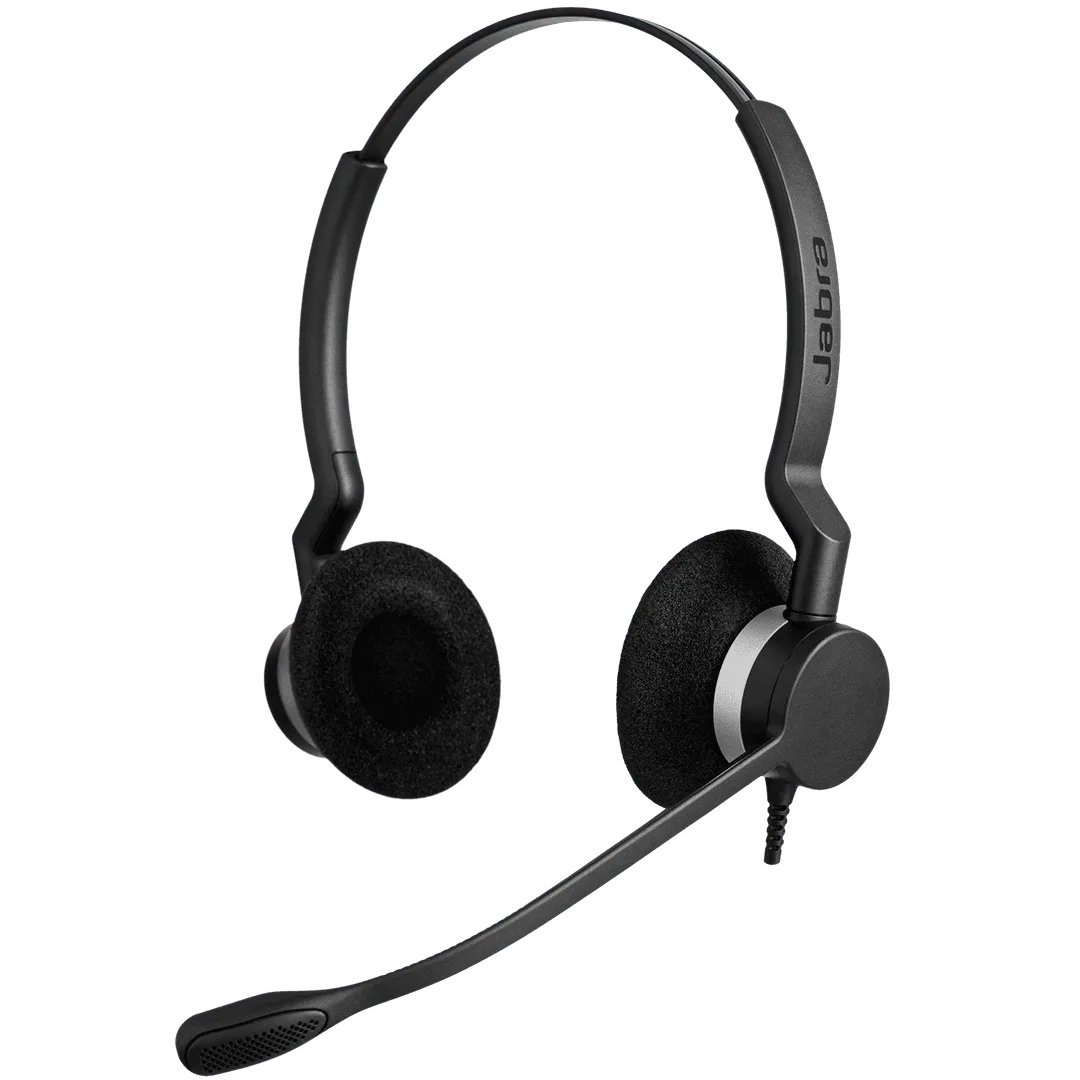
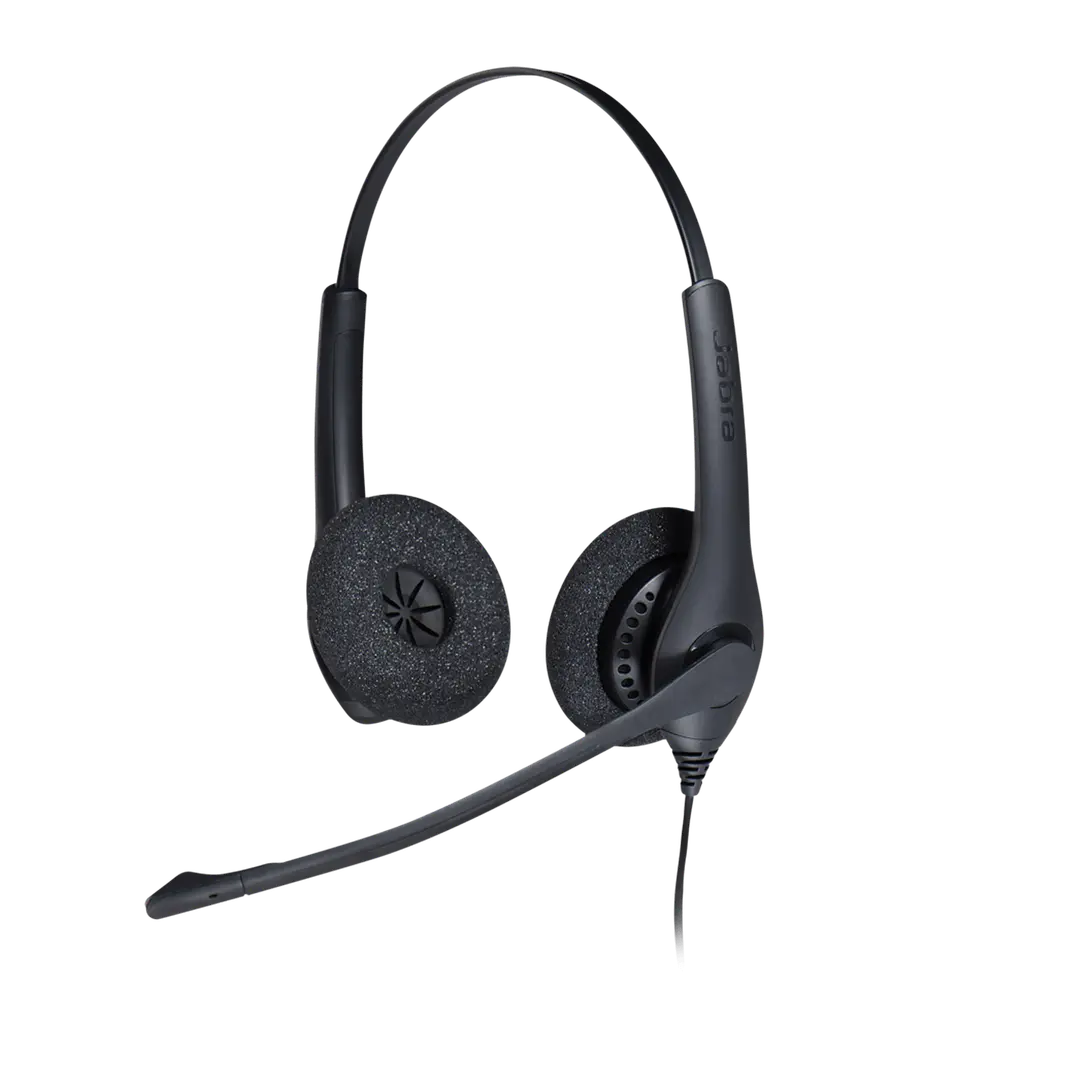
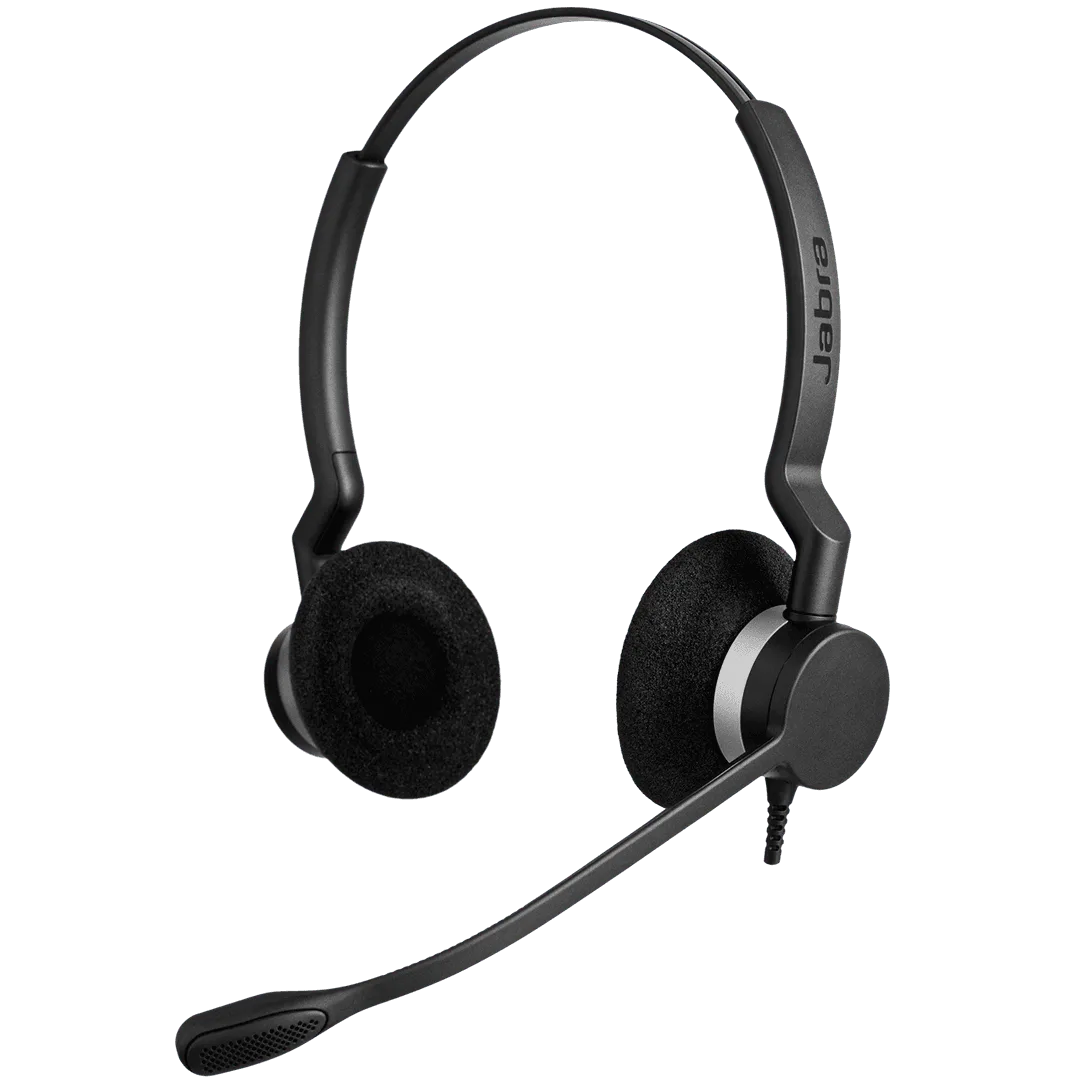
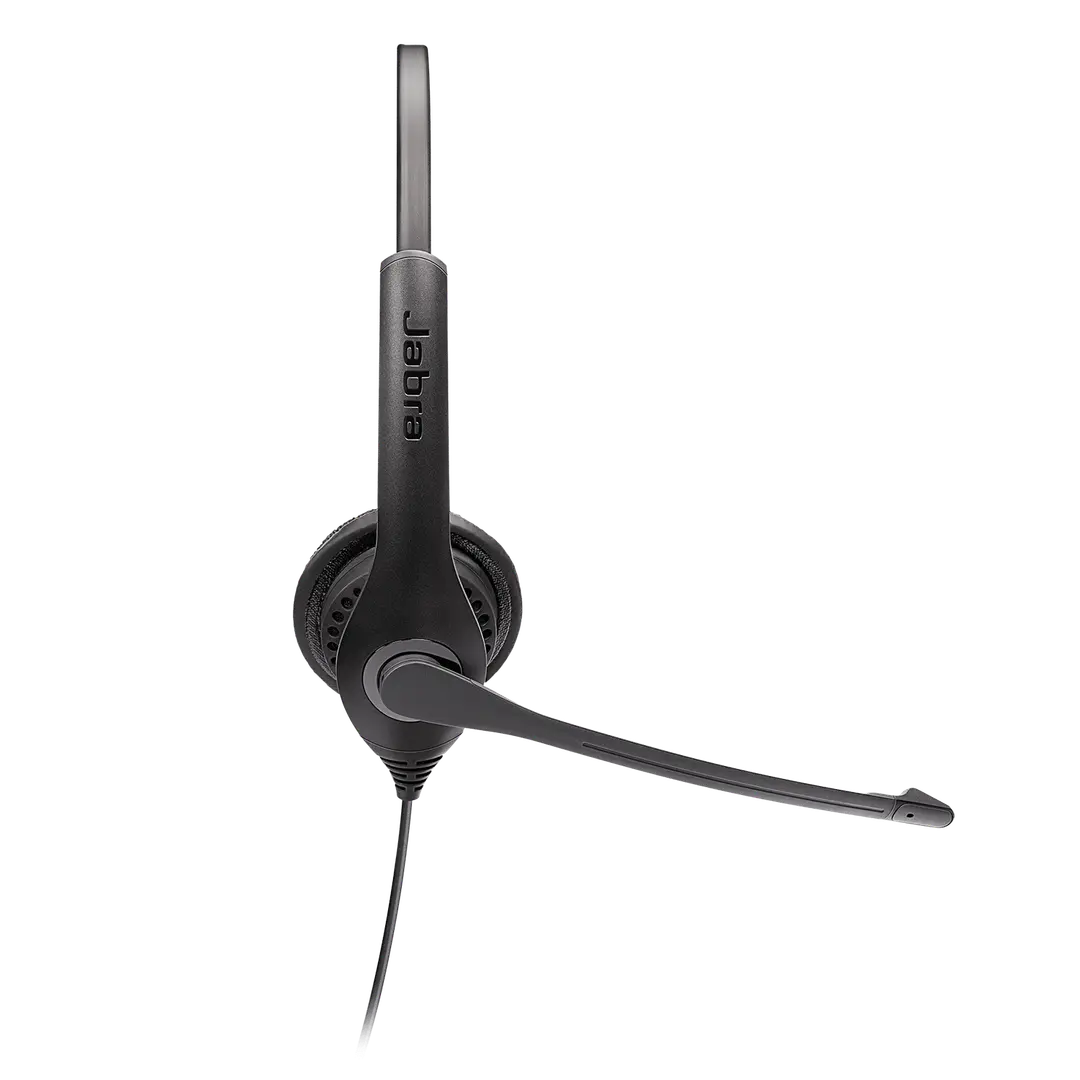
Jabra Biz 2300 QD Duo (SKU 2309-820-105) helps contact-centre agents sound as clear as your brand. An extremely lightweight, unobtrusive design lowers fatigue on long shifts, while ambient-noise-reducing speakers and a noise-cancelling air-shock microphone deliver lifelike conversations. Purpose-built for Quick Disconnect deskphone and softphone setups. Choose the USB MS variant if you need a USB Microsoft Teams package instead.
All-day comfort for agents: extremely lightweight and unobtrusive design means lower fatigue and more productive calls.
- A headset that’s built to last
- Built to survive in a high-performing contact centre — fewer replacements, less downtime and lower total cost of ownership.
- All-day comfort for agents
- Extremely lightweight and unobtrusive design means lowered agent fatigue and more productive calls.
- World-class sound
- Ambient-noise-reducing sound in the agent’s ears plus a noise-cancelling microphone that also avoids air shocks.
- Air shock microphone
- An aerodynamic mic with many small holes and internal foam reduces respiratory noise when the boom is close to the mouth.
- Purpose built for the contact centre
- Designed to work out of the box with leading deskphones, softphones and contact-centre technologies via Quick Disconnect.
Specifications9 details
- SKU
- 2309-820-105
- Variant
- QD Duo
- Form factor
- Duo / stereo on-ear corded headset
- Connection
- Quick Disconnect (QD)
- Speaker
- Wideband voice · music up to 20 kHz · up to 30 mW (config dependent)
- Microphone
- Unidirectional noise-cancelling air-shock microphone
- Use case
- Contact centres · deskphone and softphone QD setups
- Software
- Jabra Direct (USB models / config support)
- Warranty
- 2 years (typical Jabra Biz coverage)
Datasheets & downloads1
FAQs6
- How does the noise-cancelling microphone work on my Jabra headset?
- A noise-cancelling microphone filters unwanted background noise by differentiating nearby speech from more distant sounds. Position the microphone close to your mouth, no further than 1–2 finger widths (12–24 mm) if the boom allows.
- When I speak into the microphone, I cannot hear my voice or I hear too much of my voice. How do I adjust sidetone in Windows?
- Open Windows Control Panel → Sound → Playback tab → select the headset → Properties → Levels, then adjust sidetone. Increase it if you cannot hear your voice; decrease it if you hear too much of your voice.
- How do I set my Jabra device as the default audio device on Windows?
- Open Sound settings and select your Jabra device in both Output and Input lists. For wireless Jabra devices, select the connected Bluetooth adapter such as Jabra Link 380.
- How do I add a name tag to my Jabra Biz 2300 USB product using Jabra Direct?
- In Jabra Direct, select your device → Device → Device settings → Product Information → Name tag, enter the preferred name and click Apply. (Applies to USB models managed in Jabra Direct.)
- How do I add a speed dial number using Jabra Direct?
- In Jabra Direct, select your device → Device → Device settings → Button configuration → Speed dial number, enter the number, select the button and action, then click Apply.
- Should I order QD or USB?
- Order Biz 2300 QD Duo (2309-820-105) for Quick Disconnect deskphone and shared-agent infrastructure. Order Biz 2300 Duo USB MS (2399-823-109) for USB Microsoft Teams softphone deployments.
Continue shopping
Related products
More headsets options from Jabra.