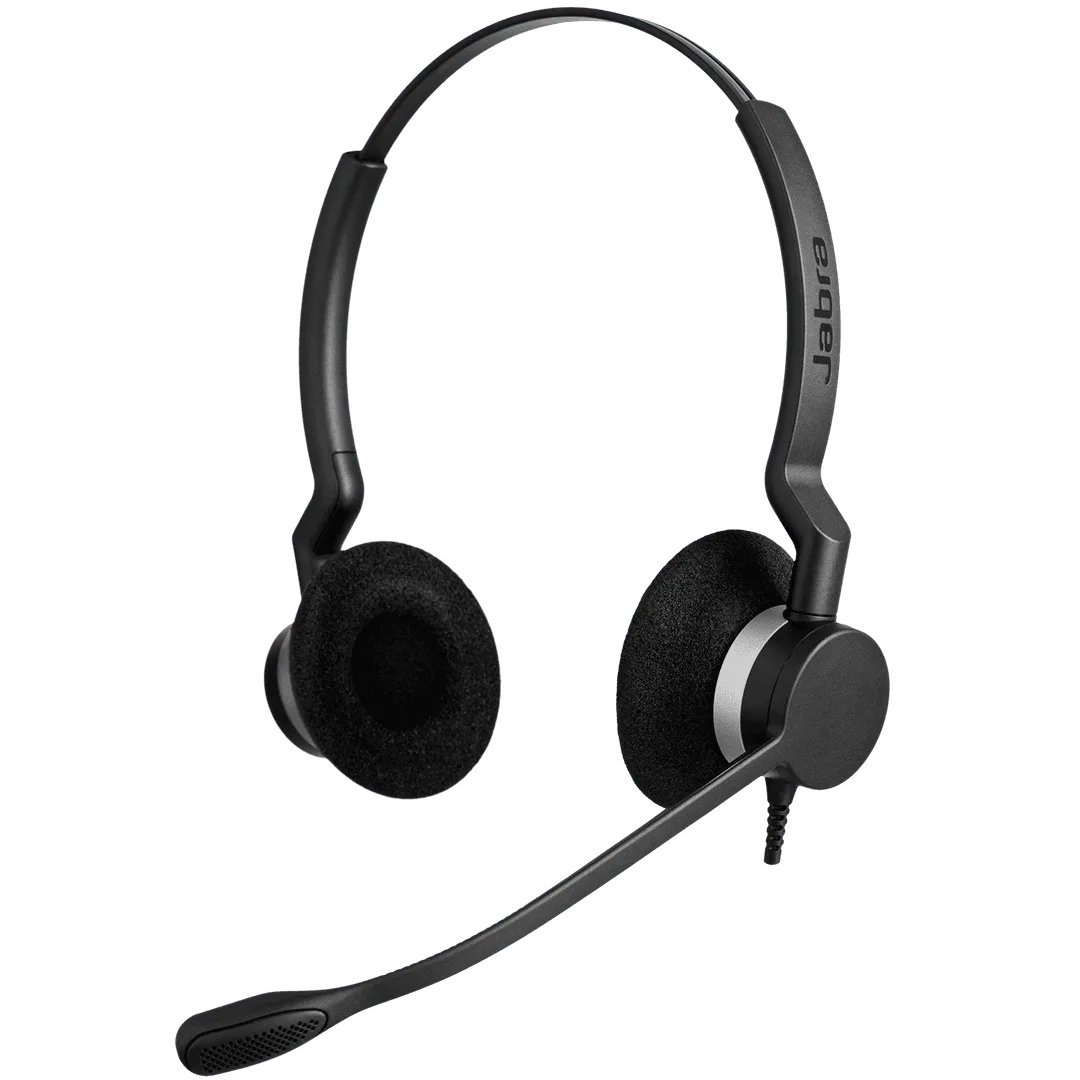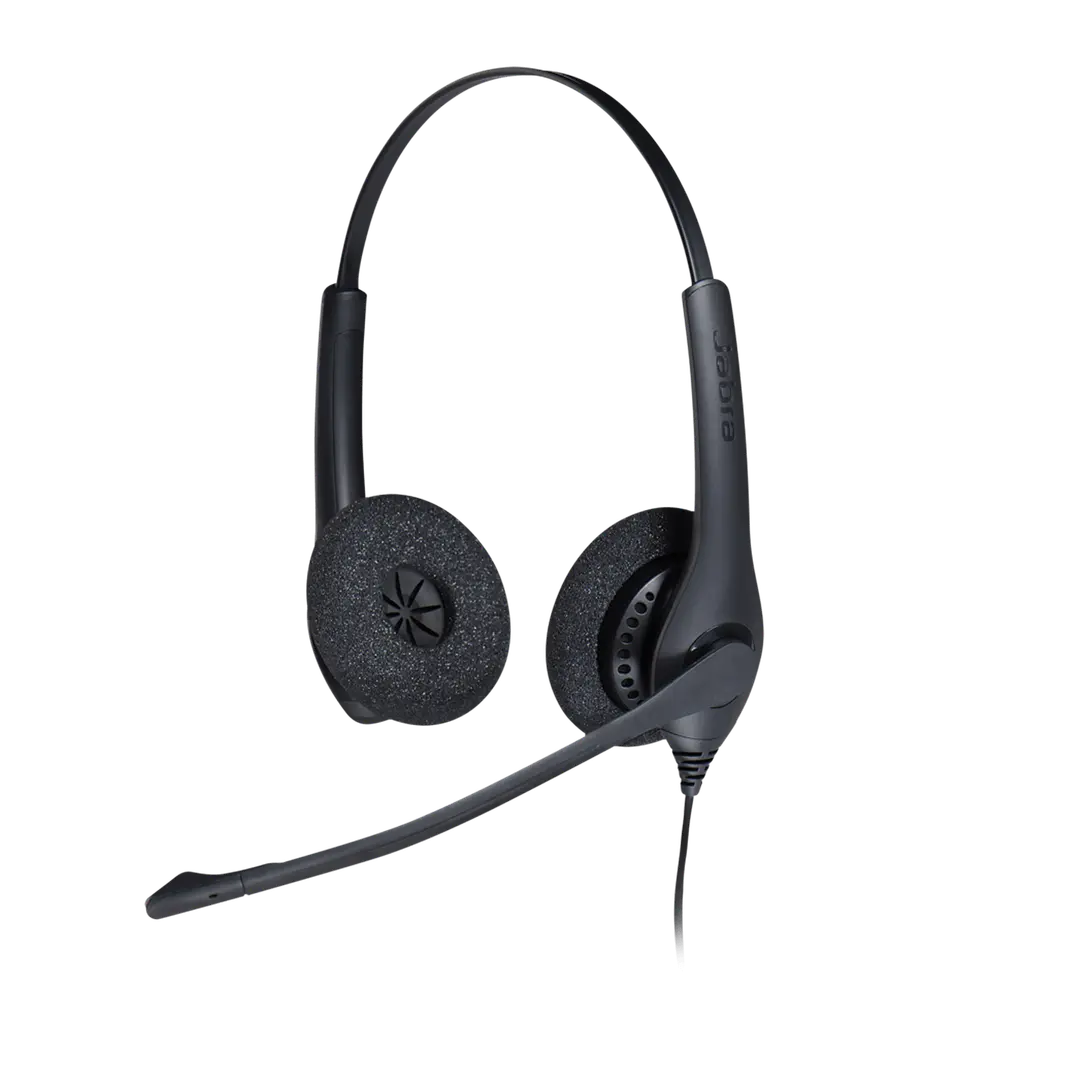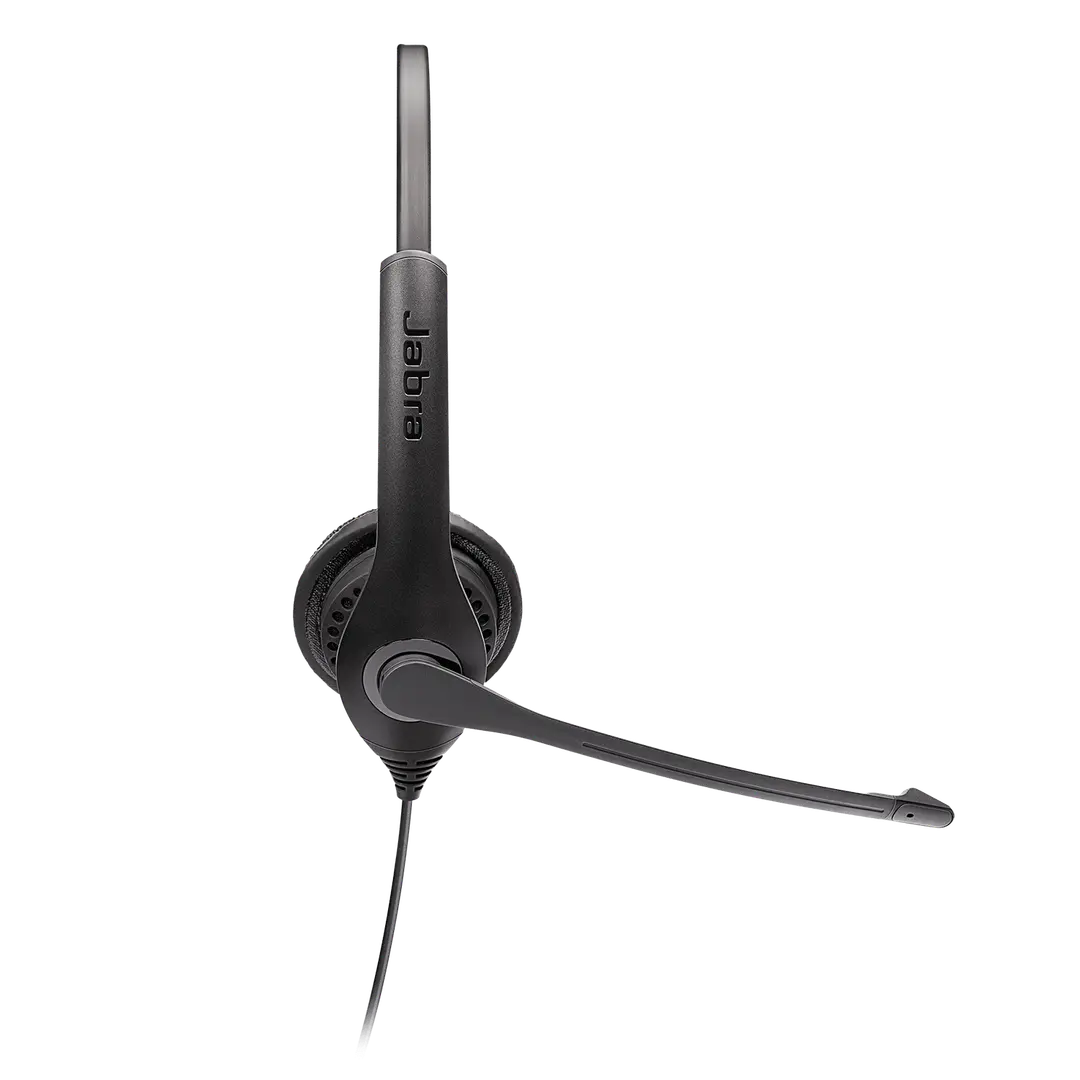
Jabra BIZ 2300 Duo, USB, MS
Durable Microsoft Teams USB duo headset for contact-centre agents, with a noise-cancelling air-shock microphone.
- Built to last
- All-day agent comfort
- Clear professional sound
- Air-shock microphone
List Price
From ₹20,430+ GST
Sign in to see your price
Usually ships in 5-7 business days · confirmed on your orderFree standard shipping across India
Buying in volume, or rather not register? Post a requirement instead · WhatsApp us
Equipping multiple users? Post the rollout as a requirement. Hybrid desk & UC →
Details
Overview
The Jabra BIZ 2300 Duo, USB, MS (SKU 2399-823-109) is a lightweight professional headset purpose-built for high-performing contact centres. Its noise-cancelling air-shock microphone helps reduce ambient sound and breathing noise, while the durable design and all-day fit support productive agent calls with less downtime. Choose the QD Duo variant for Quick Disconnect deskphone setups.
A durable, comfortable contact-centre headset designed for clear customer conversations and dependable daily use.
- Built to last
- The BIZ 2300 is engineered for demanding contact-centre use, helping reduce headset replacements, agent downtime and total ownership cost.
- All-day agent comfort
- Its lightweight, unobtrusive duo design helps lower fatigue during long calling shifts.
- Clear professional sound
- Wideband audio and a noise-cancelling microphone support lifelike conversations and clearer customer interactions.
- Air-shock microphone
- An aerodynamic microphone design with multiple small openings and internal foam helps reduce breathing noise and air shocks.
- Purpose-built for contact centres
- The USB Microsoft Teams model works with leading softphone and contact-centre environments for straightforward deployment.
Specifications10 details
- SKU
- 2399-823-109
- Form factor
- Duo / stereo on-ear corded headset
- Connection
- USB
- Platform
- Microsoft Teams
- Speaker frequency range
- Voice up to 6.8 kHz · music up to 20 kHz
- Speaker input power
- Up to 30 mW
- Microphone
- Unidirectional noise-cancelling air-shock microphone
- Microphone frequency range
- Up to 10 kHz, configuration dependent
- Use case
- Contact centres and high-volume professional calling
- Software
- Jabra Direct configuration support
FAQs5
- How does the noise-cancelling microphone work on Jabra BIZ 2300?
- The microphone distinguishes nearby speech from more distant background sounds, then significantly reduces the unwanted noise. Position the microphone 12–24 mm (one or two finger widths) from your mouth for the clearest result.
- How do I adjust the sidetone level in Windows?
- Open Windows Control Panel, choose Sound, select the headset on the Playback tab, open Properties and adjust Sidetone under Levels. Increase it if you cannot hear your voice or reduce it if your voice sounds too loud.
- How do I set Jabra BIZ 2300 as the default Windows audio device?
- Open Windows Sound settings and select the Jabra BIZ 2300 in both the Output and Input device lists.
- How do I add a name tag using Jabra Direct?
- Open Jabra Direct, select the device, go to Device settings and Product Information, enter the preferred name in the Name tag field and select Apply.
- How do I add a speed-dial number using Jabra Direct?
- In Jabra Direct, select the headset, open Device settings and Button configuration, enter the speed-dial number, assign it to a supported button action and select Apply.
Continue shopping
Related products
More headsets options from Jabra.