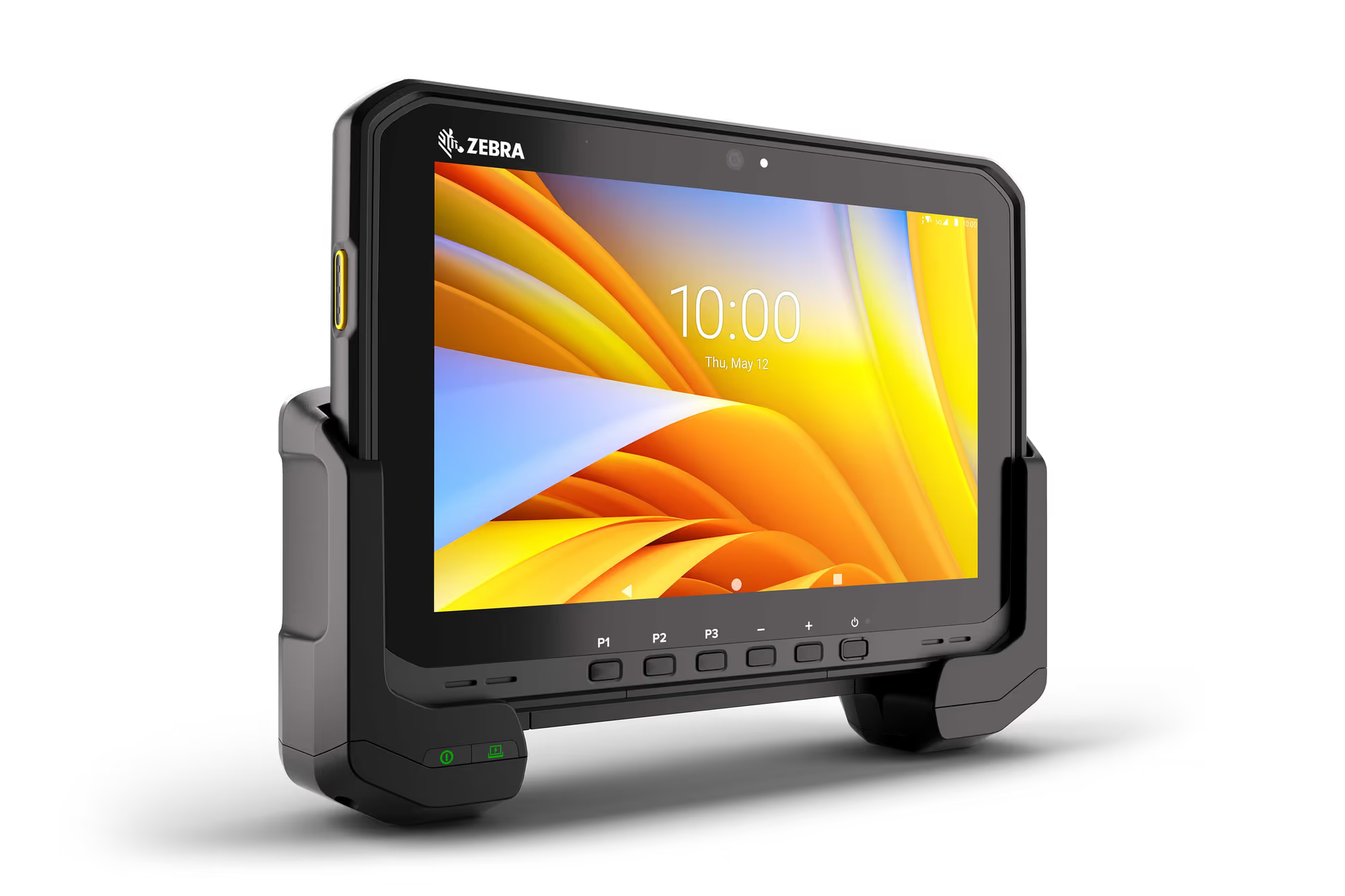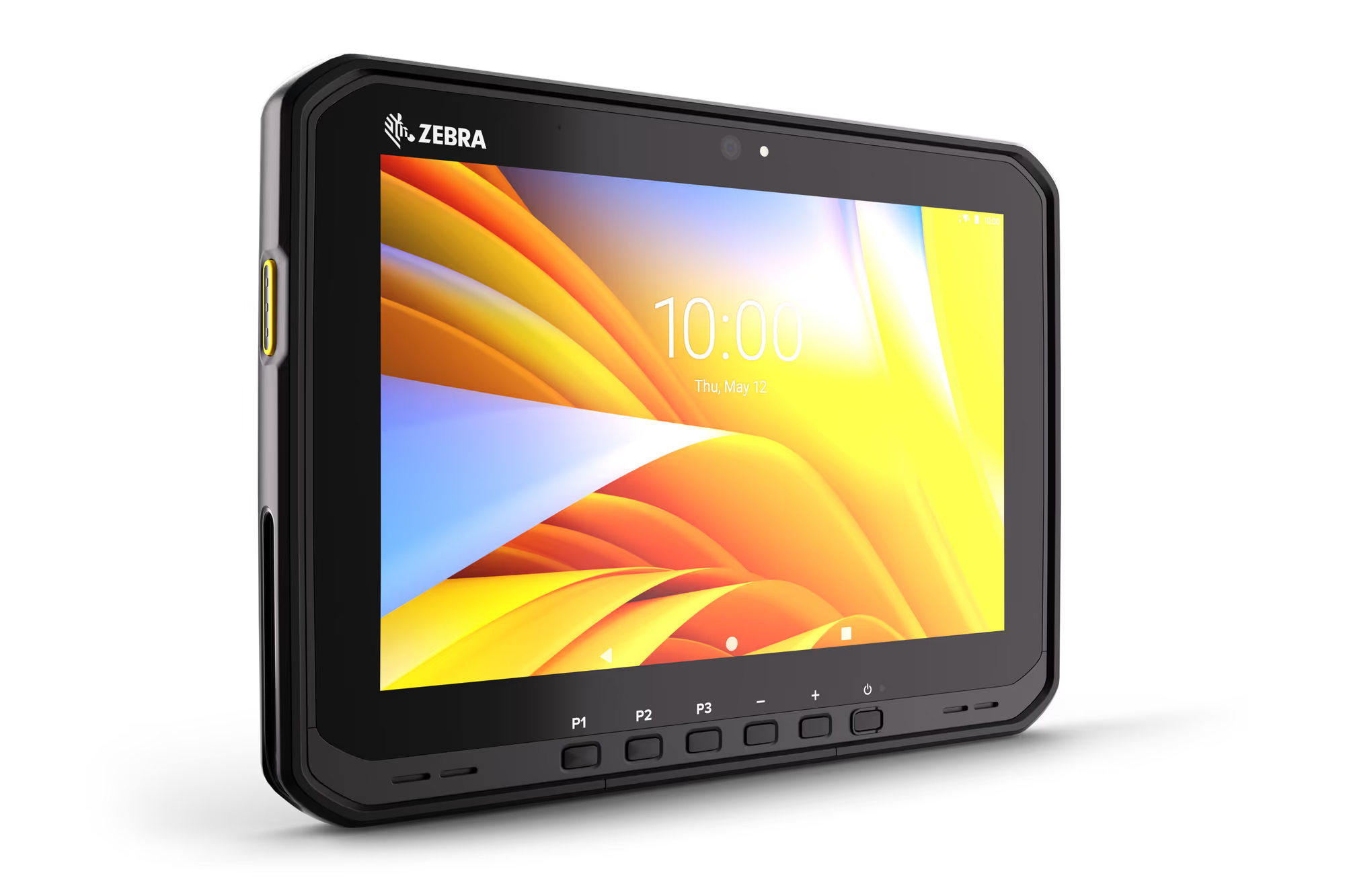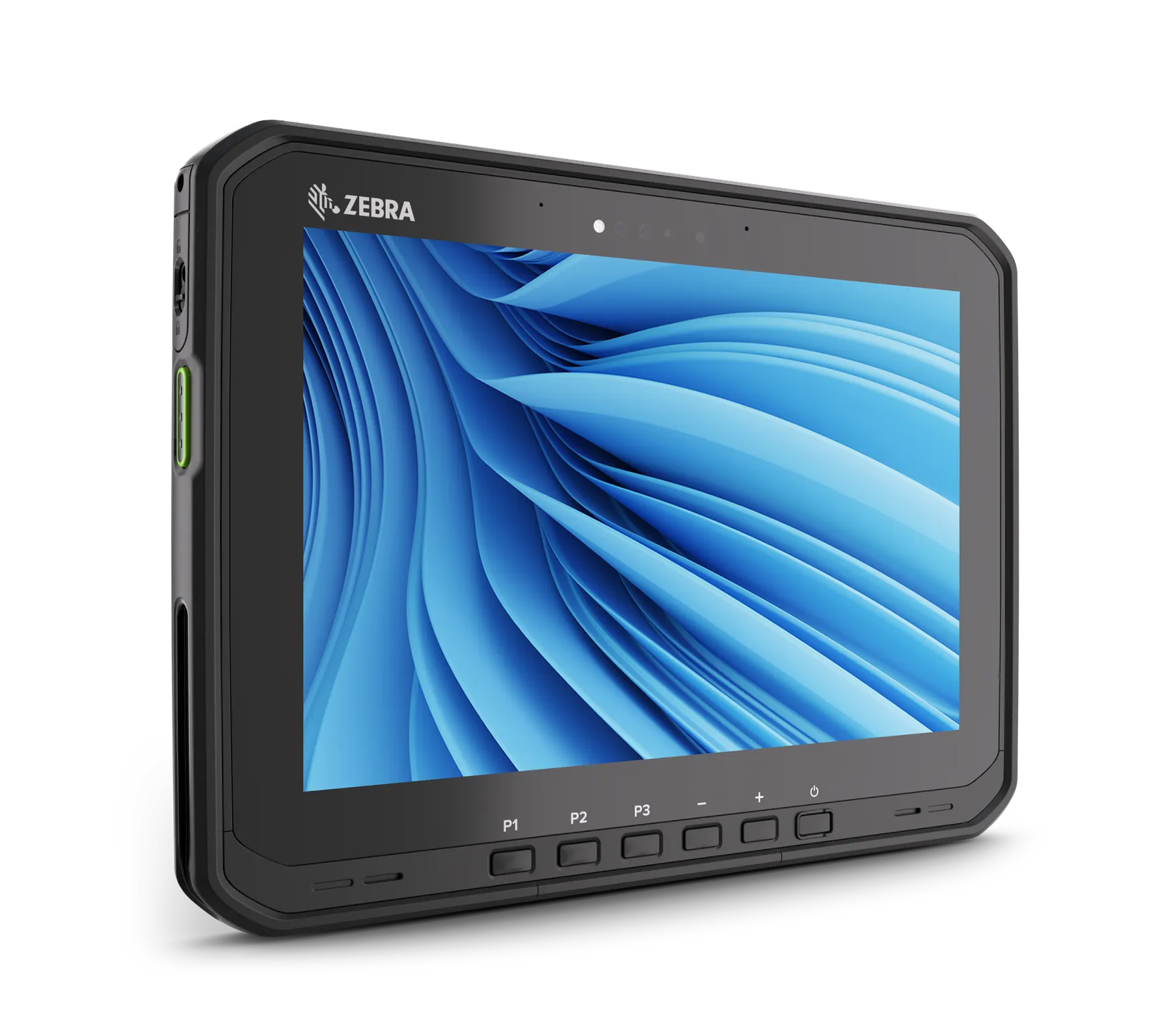
Zebra ET65W
Windows rugged tablet with WWAN for field Windows applications.
- Field Windows apps
- Shared and vehicle roles
Not sure which to pick? How to choose a configuration
Configs for ET65W look similar in the dropdown because they share the same form factor. Use the differences below — then pick a SKU (or ask us to recommend one).
- Connectivity
- These configs include cellular (WWAN/5G). We confirm SIM/eSIM needs on your quote.
- Scan engine (the main SKU difference)
- SE55: Advanced range — from near contact out to roughly rack height (~12 m / 40 ft class). Pick the shortest range that still reaches your farthest barcode — longer-range engines cost more and are unnecessary for close work.
- Memory
- More RAM/storage helps with heavier apps, offline caches and longer OS life. For simple scan-and-go fleets, the lower memory SKUs are usually enough.
- OS and dock
- Android suits Zebra Mobility DNA workflows; Windows is for line-of-business apps that stay on Win Pro/IoT. Plan vehicle dock, keyboard and spare batteries with the tablet on your quote.
- Not sure which SKU?
- Select the closest config, then post a requirement with site type, farthest barcode distance, WLAN vs WWAN and headcount — Crozsi will confirm the exact India part number.
Business pricing
Post a requirement for firm INR pricing · SKU: ET65WW-ES5CPSJ0A1-IN
Usually ships in 5-7 business days · confirmed on your quoteFree standard shipping across India
Deploying devices across warehouse, retail or logistics operations? Post the deployment as a requirement. Warehouse / retail projects →
Details
Overview
Windows ET6x tablet with WWAN for teams that need the full desktop stack in the field. India configs below: post a requirement for pricing, share cradles and Bluetooth keyboards.
Practical uses for the ET65W in Indian deployments, then confirm the India SKU on your quote.
- Field Windows apps
- Win Pro rugged tablet with cellular for outside-coverage work.
- Shared and vehicle roles
- Dock and keyboard accessories turn one device into a mobile workstation.
- Typically quoted with
- Keyboard, vehicle dock, spare batteries and optional OneCare — confirm on RFQ.
Specifications7 details
- Platform
- Windows Pro
- Connectivity
- WWAN / cellular options
- Scan engine options
- SE55
- Memory options
- 32/512 GB; 16/256 GB; 8/256 GB
- Form factor
- Rugged tablet
- Region
- India configurations listed
- Commercial
- Quote-only · firm INR on RFQ
FAQs4
- How do I choose the right configuration?
- Start with the job: scan distance (standard vs advanced vs long-range), connectivity (WLAN vs WWAN/5G), keypad layout, and memory. Use the How to choose guide and the configuration dropdown. Each option includes a plain-English note. If two SKUs look similar, post a requirement and Crozsi will recommend the part number.
- What do SE4710, SE4770, SE55 and SE58 mean?
- Those are Zebra scan engines. SE4710 is standard near-range; SE4770 is a stronger mid-range option for mixed indoor/outdoor labels; SE55 is advanced range (near to roughly rack height); SE58 is long-range for high racks and distant barcodes. Pick the shortest engine that covers your farthest barcode.
- What accessories should we include?
- Most fleets quote spare batteries, cradles/chargers, holsters or mounts, and optional Zebra OneCare. Share headcount and shift pattern on the RFQ and we add the right accessories to the quote.
- Is pricing shown on the site?
- No. Zebra is quote-only on Crozsi. Post a requirement for firm INR business pricing, lead time and GST-compliant invoicing.
Continue shopping
Related products
Other Zebra Technologies models buyers often review next — same series and other form factors (for example tablets or wearables with a handheld).