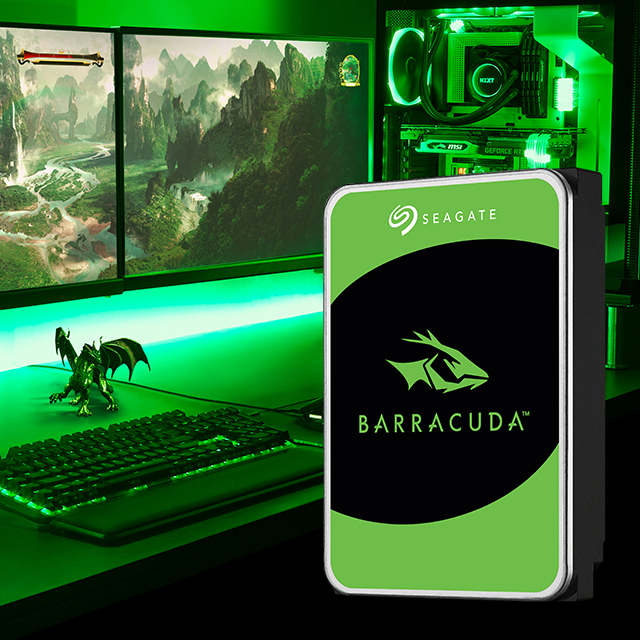
BarraCuda 2.5" Hard Drive
Business pricing
Post a requirement for firm INR pricing · SKU: ST2000LM015
Usually ships in 5-7 business days · confirmed on your quoteFree standard shipping across India
Planning storage for NAS, surveillance or infrastructure? Share the capacity and workload requirement.
Seagate BarraCuda 2.5-inch hard drives bring trusted capacity to laptops and compact systems. Choose slim 7 mm models from 500 GB to 2 TB for most laptop bays, or 15 mm models at 4 TB and 5 TB for all-in-ones, external enclosures, and systems that accept thicker drives. Multi-Tier Caching Technology improves responsiveness, and DiscWizard helps clone and migrate data.
Specifications7 technical details
Seagate products available through Crozsi
Genuine Seagate hardware via Crozsi - GST-ready invoicing, business pricing for company accounts, and quote support for volume or configured builds.
- Confirm bay thickness (7 mm vs 15 mm) before ordering. Capacities and regional SKUs can change — confirm the live part number on quote.
- Rescue services are not available in all countries — confirmed on quote where applicable.
- Warranty and data recovery terms vary by region and SKU — confirmed on your Crozsi quote.
Limited manufacturer warranty (regional terms may vary); Rescue Data Recovery Services where available.
Datasheets & resources
Official Seagate documentation for BarraCuda 2.5" Hard Drive.
Frequently asked questions
Which capacities and thicknesses can I quote?
7 mm: 500 GB (ST500LM030), 1 TB (ST1000LM048), 2 TB (ST2000LM015). 15 mm: 4 TB (ST4000LM024), 5 TB (ST5000LM000). Confirm bay clearance for 15 mm drives.
Will a 15 mm drive fit my laptop?
Most thin laptops only accept 7 mm. 15 mm models are for systems and enclosures that explicitly support thicker 2.5-inch drives. Confirm before ordering.
Can I use it in a desktop?
Yes with the right 2.5-inch mounting hardware and SATA connections. For primary desktop capacity, BarraCuda 3.5-inch is often a better fit.
How do I migrate my old drive?
Use Seagate DiscWizard (download) to clone partitions and transfer data after installing the new drive.
Continue shopping
Related products
Other Seagate models buyers often review next — same series and other form factors (for example tablets or wearables with a handheld).